
WordPress, Laravel or Next.js — which one do you need?
Quick answer
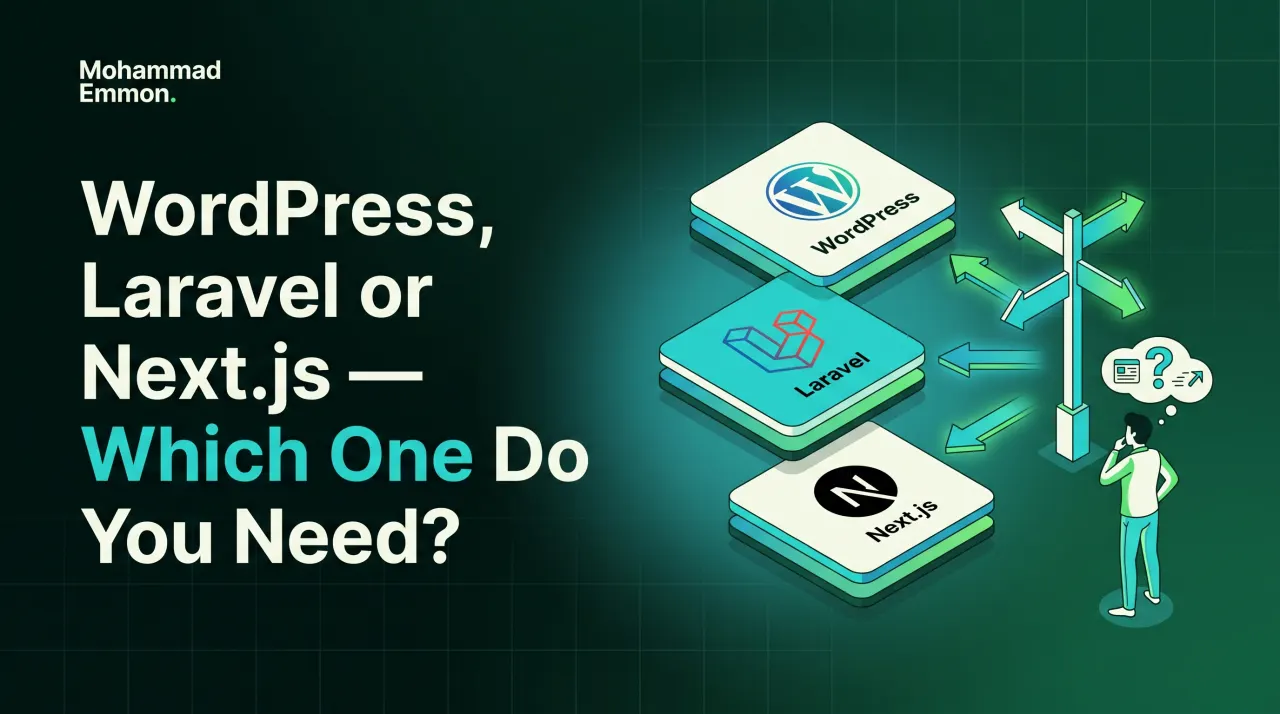
Choosing between WordPress Laravel and Next.js is really a question about what you are building. I pick the tool that fits you, not the one that is trendy. Choose WordPress when you want easy, familiar control over your own content; Laravel when you need something custom and database-driven, even on modest hosting; and Next.js when you want the fast, modern, app-like experience. All three can build a great site — the right one depends on how you plan to run it afterwards, not which is newest.
Key takeaways
- WordPress — when you want easy, familiar control over your own content.
- Laravel — when you need something custom and database-driven, even on modest hosting.
- Next.js — when you want the fast, modern, app-like experience.
- If it lives on the web, I can build it and run it — the tech should fit the job, not the other way round.
On this page
- What I build
- Which tech — in plain terms
- How it goes
- What this means for you
- WordPress Laravel and Next.js: what each one actually costs to run
- Where WordPress genuinely struggles
- Where Laravel earns its complexity
- Where Next.js earns its place
- A simple way to decide between WordPress, Laravel, and Next.js
- Mistakes people make choosing between them
- Can you switch platforms later?
- Security differences worth knowing about
- What migrating between them actually involves
- What this decision actually hinges on
- What a real project looks like on each platform
- Getting a straight comparison for your specific project
- WordPress Laravel or Next.js: my quick take
What I build
Marketing sites, business sites, custom web apps, and dynamic platforms with full backends and a CMS you can actually use. If it lives on the web, I can build it and run it. The starting question isn't which technology is best — it's what the site actually needs to do, day to day, once it's live.
Which tech — in plain terms
I pick the tool that fits you, not the one that is trendy. WordPress gives you easy, familiar control over your own content — if you want to log in and update things yourself without needing a developer for every change, it's usually the right call. Laravel handles anything custom and database-driven, even on modest hosting — the right choice when the site needs its own logic, not just pages. Next.js delivers the fast, modern, app-like experience — suited to sites where speed and a polished, interactive feel matter most.
None of the three is universally "better." Each is the right tool for a different shape of problem. The wrong choice usually shows up later as friction. A WordPress site gets forced to do something it was never built for. Or a custom platform sits where a simpler CMS would have done the job for less.
How it goes
We talk, I scope and quote, I build and show you progress, we launch, and I keep it cared for. You are never left guessing what is happening. The technology decision happens early in that conversation, once it's clear what the site actually has to do.
What this means for you
Come to the conversation with what you need the site to do, not which technology you think you should use. The right platform falls out of that naturally — and if you're not sure, that's exactly what the first conversation is for.
WordPress Laravel and Next.js: what each one actually costs to run
The build is only half the story. WordPress Laravel and Next.js differ just as much in what they cost to run day to day. WordPress is the cheapest to keep going. Hosting is widely available, updates are mostly one click, and almost any developer can pick up where another left off. Laravel needs a developer who understands the codebase to make changes — there's no visual editor, just code. Next.js sits somewhere between the two, often needing a specific hosting setup and a developer comfortable with modern JavaScript tooling.
Think about who touches the site after launch. If it's you, updating text and images yourself, that points hard toward WordPress. If it's always going to be a developer making changes, Laravel or Next.js stop being a disadvantage on that front.
Where WordPress genuinely struggles
WordPress is not the right fit for everything, and pretending otherwise does nobody any favours. Complex, custom business logic — multi-step workflows, unusual calculations, tight integrations with other systems — gets forced into plugins that weren't built for it. The result works, technically, but becomes fragile. One plugin update away from breaking something nobody remembers configuring.
High-traffic sites with heavy, dynamic content can also strain WordPress without careful setup. It's solvable, but it takes real expertise to do well. If your project genuinely needs that kind of custom logic, WordPress Laravel comparisons usually resolve toward Laravel pretty quickly.
Where Laravel earns its complexity
Laravel exists for exactly the cases WordPress struggles with. Custom logic, structured data, business rules specific to how you operate — Laravel handles it cleanly because it's built as a framework, not a content system pressed into a different job. It runs comfortably on modest hosting too, which surprises people who assume "custom" always means "expensive infrastructure."
The trade-off is maintenance. Every change goes through a developer. There's no logging in and editing a page yourself. For a platform that's genuinely custom — bookings with real business rules, a portal with user-specific data, anything with logic beyond "show this content" — that trade-off is usually worth it.
Where Next.js earns its place
Next.js is built for speed and a modern, app-like feel. Pages load fast, transitions feel smooth, and it plays well with a wide range of modern tools and services. It suits sites where that polished, snappy experience is central to the product itself — not just a nice-to-have.
It asks more of whoever maintains it. Content usually lives separately from the code, in a headless CMS or a custom backend, which is powerful but adds a moving part that WordPress simply doesn't have. Choose Next.js when the interactive, high-performance feel is worth that extra piece — not because it's the newest option on the list.
A simple way to decide between WordPress, Laravel, and Next.js
Answer three questions honestly. Who updates the site day to day — you, or always a developer? Does the site need genuinely custom logic, or mostly display content well? And does raw speed and a native-app feel matter more than anything else? Mostly-you-updating-content points to WordPress. Genuinely custom logic points to Laravel. Speed and feel above all else points to Next.js.
Most projects have a clear answer once framed this way. The ones that don't are usually genuinely in-between, and that's exactly the conversation worth having before any code gets written — not after.
Mistakes people make choosing between them
Choosing based on what's trendy is the most common one. Next.js gets talked about a lot in developer circles, which makes it feel like the modern default. That reputation doesn't make it right for a five-page business site that just needs to be easy for you to update yourself.
The opposite mistake happens too. Defaulting to WordPress because it's familiar, then forcing genuinely custom business logic into a plugin architecture that resists it. Both mistakes come from picking the platform first and the requirements second. Reverse the order, and WordPress Laravel and Next.js all stop being competitors — each one just becomes obviously right or obviously wrong for what you're actually building.
Can you switch platforms later?
Yes, but it's rarely trivial, and it's worth choosing carefully up front rather than counting on an easy switch. Moving from WordPress to Laravel usually means a genuine rebuild, not a migration — the two aren't structured alike underneath. Moving from Next.js to WordPress, or the reverse, is a similar story.
This isn't a reason to be paralysed by the decision. It's a reason to have the real discovery conversation first, honestly answering the three questions above, rather than picking quickly and hoping it holds. A platform chosen carefully at the start rarely needs revisiting for years.
Security differences worth knowing about
In the WordPress Laravel and Next.js comparison, WordPress runs a huge share of the web, which makes it a huge, constant target. That's not a reason to avoid it — it's a reason to take hardening seriously. Updates, strong passwords, a firewall, and monitoring turn WordPress into a genuinely safe platform. Skip those, and it's an easy target precisely because it's such a common one.
Laravel and Next.js, the other two options in the WordPress Laravel comparison, are targeted less often simply because there are fewer sites built on them, and each one tends to be more custom, which makes automated attacks less effective. That's a smaller attack surface, not zero risk. A Laravel app with weak credentials or unpatched dependencies is just as exposed as a neglected WordPress site — it's simply a less common thing for an attacker to bother scanning for.
What migrating between them actually involves
Moving from WordPress to Laravel — a common WordPress Laravel migration question — means rebuilding, not converting. The content usually transfers — posts, pages, media — but the structure underneath has to be built fresh, because the two platforms don't share an underlying architecture. Budget for that as a genuine project, not a quick technical migration.
Moving from Next.js to WordPress, or WordPress to Next.js, follows the same pattern. Content can usually be carried across with planning. The framework itself gets rebuilt. Knowing this upfront changes how much weight the original decision deserves — it's not a choice you casually revisit every year.
What this decision actually hinges on
Strip away the technology names and it comes down to three things: who maintains the site day to day, how custom the underlying logic genuinely needs to be, and how much raw speed and interactivity matters to what you're building. WordPress Laravel and Next.js each answer a different combination of those three questions well. None of them answers all three questions equally well at once — and that's exactly why the choice depends on your project, not on which platform is trending this year.
If you're unsure where your project lands on those three questions, that uncertainty is worth bringing to the first conversation rather than resolving alone. A short discussion about what the site actually needs to do usually clarifies the platform question faster than research on your own would.
What a real project looks like on each platform
Weighing WordPress Laravel and Next.js in practice: on WordPress, a project usually starts with a content plan. Pages, structure, what needs a CMS field versus what's fixed. Design follows. Then build, using a theme suited to the content rather than forced to fit it. You come away able to edit most of it yourself.
On Laravel, the project starts differently. It starts with the logic. What data does the system need to track? What rules govern how it behaves? The visual design still matters, but it comes after the underlying structure is clear, because the structure is what makes the custom behaviour possible.
On Next.js, the project usually starts with the experience. What should it feel like to use? Fast transitions, smooth interactions, a native-app quality. The content and backend get built to support that feel, rather than the feel being layered on afterward.
Seeing how differently each project actually starts is often the clearest signal of which one fits. If your instinct is "I need to plan the content," that's WordPress. If it's "I need to plan the logic," that's Laravel. If it's "I need to plan the experience," that's Next.js.
Getting a straight comparison for your specific project
General advice comparing WordPress Laravel and Next.js only goes so far. Your project has details a general article can't account for: your team's technical comfort, your budget's shape, what the site needs to do in year two, not just at launch. A real comparison weighs those specifics against each platform's real strengths, not a generic checklist.
That's worth a direct conversation rather than more reading. Bring what the site needs to do, who will run it day to day, and what matters most once it's live. The right platform tends to fall out of that conversation quickly, once the actual requirements are on the table instead of abstract platform comparisons.
It's also worth remembering that the technology is only ever a means to an end. Nobody visiting your site cares whether it runs on WordPress, Laravel, or Next.js. What they care about is whether it loads quickly, works properly on their phone, and gets them to what they came for without friction. Any of the three can deliver that when it's the right fit for the job and built with care — the platform argument matters far less once you're actually building something real, on the right foundation for what it needs to do. Choose based on what the site has to do, who runs it afterwards, and how it needs to feel, and the label on the technology underneath stops being the interesting question. The three names come up constantly in these conversations, and for good reason: each is a genuinely strong, mature choice for the right project.
WordPress Laravel or Next.js: my quick take
The WordPress Laravel and Next.js choice is about fit: content site, custom app, or something in between. If you would rather hand it to a specialist, see my website design & development service. For an authoritative reference, read the official WordPress developer resources.
Free security check
Worried your site is infected?
Get a free security check — I'll tell you if your WordPress site is compromised and exactly what it needs. No obligation.
Follow-up questions
People also ask
I pick the tool that fits you, not the one that is trendy. Marketing sites, business sites, custom web apps and dynamic platforms all have different needs — the right answer depends on how you want to run it afterwards.
We talk, I scope and quote, I build and show you progress, we launch, and I keep it cared for. You are never left guessing what is happening.
It can feel faster for the specific interactions it's built for, but a well-optimised WordPress site can be genuinely fast too. Raw framework speed matters less than how the whole site is actually built and hosted.
Sometimes, for specific cases — WordPress handling content and a Laravel-built piece handling something custom alongside it. It adds complexity, so it's worth doing only when there's a genuine reason, not by default.
No. WordPress is the right, professional choice for a large share of business sites — the platform isn't the signal of quality, how it's built and secured is.
That's normal, and it's exactly what the first conversation is for. Describe what the site needs to do, and the right platform usually becomes obvious once the actual requirements are on the table.
Related
Take it further.

Written by
Mohammad Emmon
WordPress Malware Removal, Security, Ongoing Security Monitoring And Website Development
I'm a WordPress malware removal and security specialist — I've cleaned and secured over 10,000 sites. Once a site is safe, I can also build, run and automate the whole thing. Based in Dhaka, working worldwide.
Keep reading