
Malware Removal & Security
Social Media MI
A routine WordPress security audit that found six planted backdoors
 Delivered by Mohammad Emmon
The problem
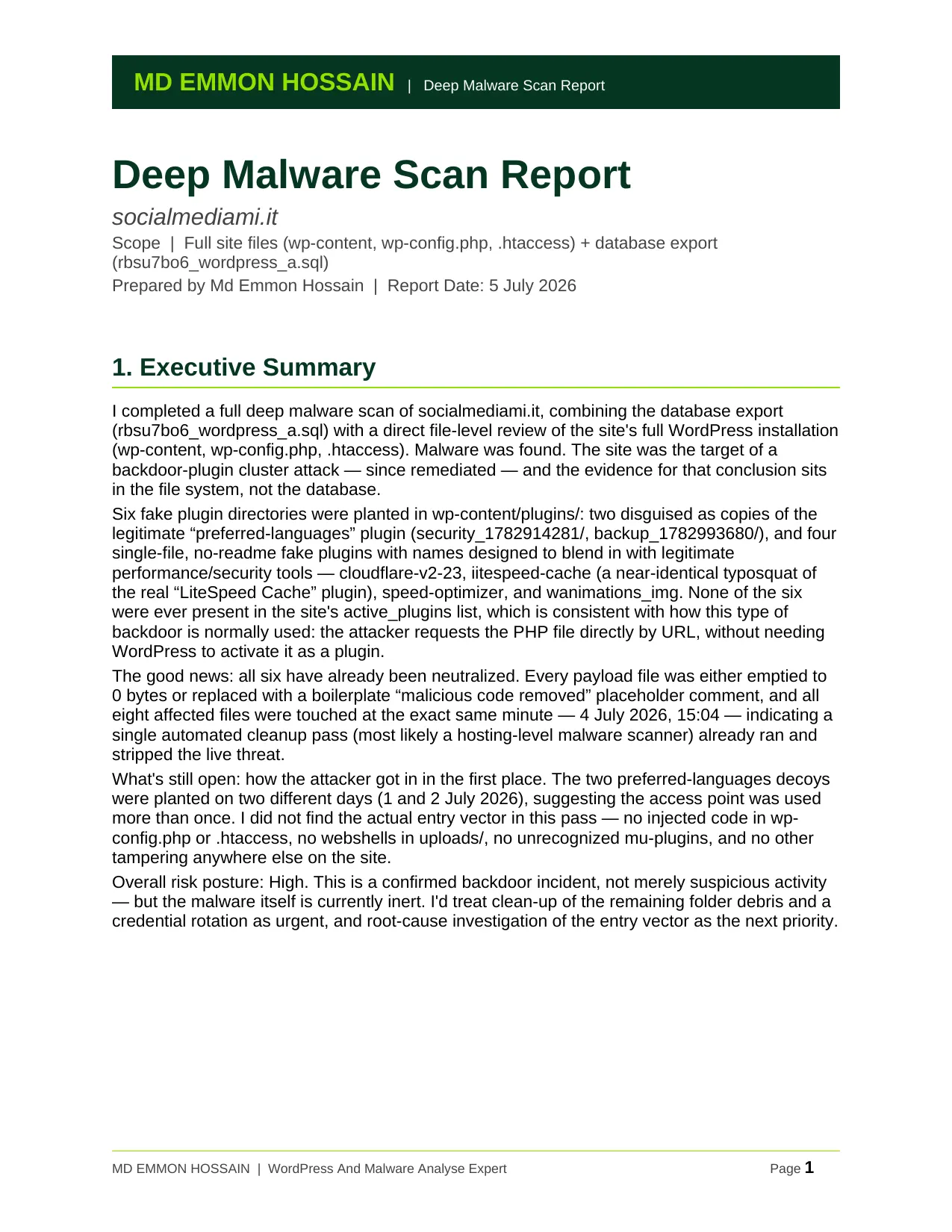
What started as a routine health check on this agency's WordPress site turned up something more serious: six fake plugin folders hidden inside the plugins directory, planted by an attacker to keep backdoor access. Two were disguised as a legitimate translation plugin; four more were bare single-file fakes — including one that closely imitated a popular caching plugin's name to slip past a quick review.
What I did
- Audited the full database export — options, posts, users, cron — for injected code, spam, unauthorized accounts, and tampered settings.
- Cross-referenced a suspicious pattern in the cached plugin inventory, then pulled the full site files to investigate directly and forensically confirmed all six fake plugin directories by diffing them against genuine plugin source.
- Identified the neutralised malware payloads and pinpointed the exact time a prior cleanup pass had already stripped them.
- Swept the rest of the site — uploads, must-use plugins, htaccess, wp-config — for any additional signs of compromise.
The result
The malware was confirmed and fully accounted for, with clear evidence of exactly what was planted, when, and how it had already been neutralised. Instead of a vague “something looks off,” the client walked away with a precise clean-versus-dirty map: delete the leftover folders, rotate credentials, investigate the access point — and confidence that the rest of the site was verified clean.
What it proves
A routine health check is worth running precisely because of days like this one — six planted backdoors nobody had gone looking for.
Delivered by
Mohammad Emmon
WordPress Malware Removal, Security, Ongoing Security Monitoring And Website Development
I'm a WordPress malware removal and security specialist — I've cleaned and secured over 10,000 sites. Once a site is safe, I can also build, run and automate the whole thing. Based in Dhaka, working worldwide.
Worried about your site?