
Malware Removal & Security
Asian Studies Association of Australia
WordPress backdoor removal that found the MySQL trigger rebuilding the admin
 Delivered by Mohammad Emmon
The problem
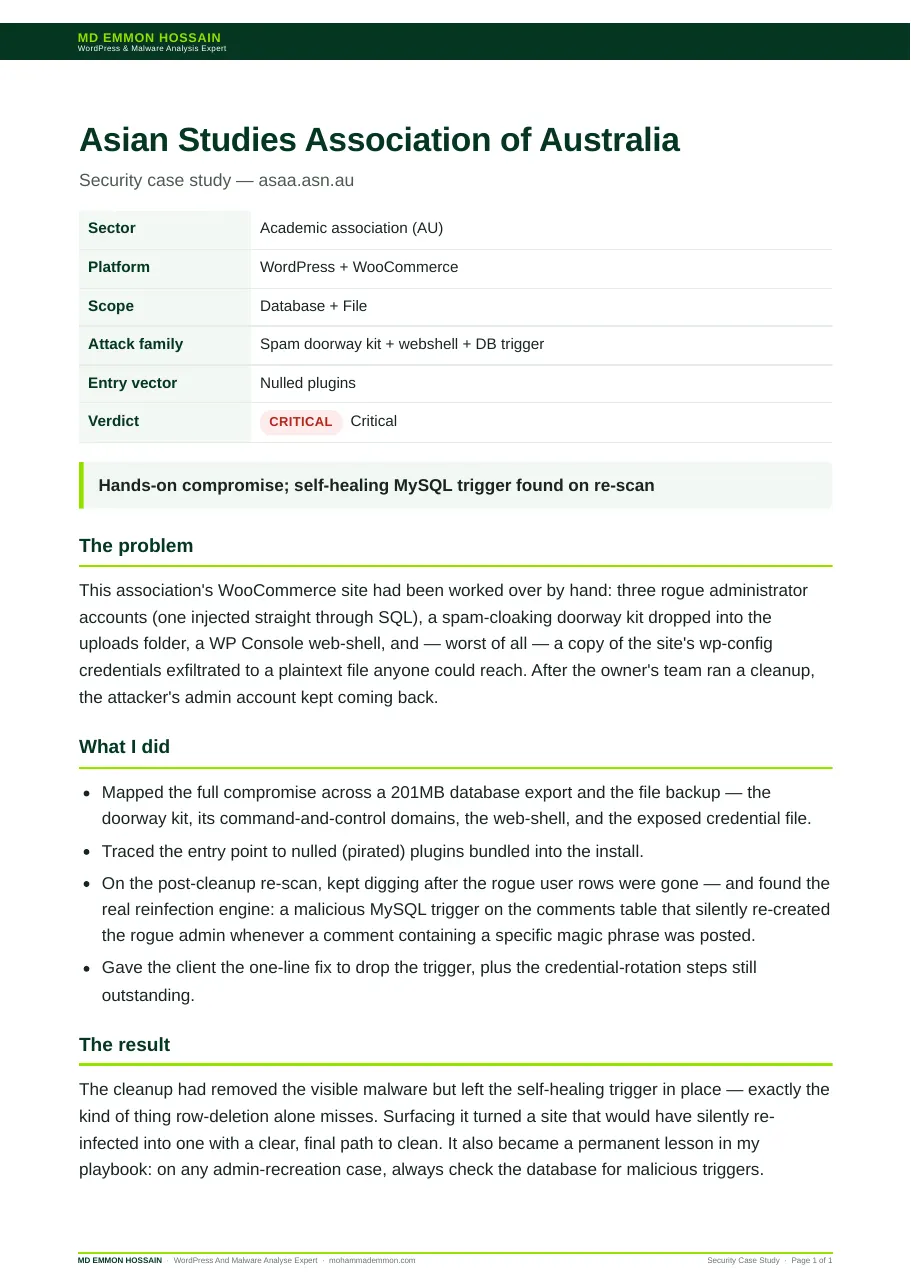
This association's WooCommerce site had been worked over by hand: three rogue administrator accounts (one injected straight through SQL), a spam-cloaking doorway kit dropped into the uploads folder, a WP Console web-shell, and — worst of all — a copy of the site's wp-config credentials exfiltrated to a plaintext file anyone could reach. After the owner's team ran a cleanup, the attacker's admin account kept coming back.
What I did
- Mapped the full compromise across a 201MB database export and the file backup — the doorway kit, its command-and-control domains, the web-shell, and the exposed credential file.
- Traced the entry point to nulled (pirated) plugins bundled into the install.
- On the post-cleanup re-scan, kept digging after the rogue user rows were gone — and found the real reinfection engine: a malicious MySQL trigger on the comments table that silently re-created the rogue admin whenever a comment containing a specific magic phrase was posted.
- Gave the client the one-line fix to drop the trigger, plus the credential-rotation steps still outstanding.
The result
The cleanup had removed the visible malware but left the self-healing trigger in place — exactly the kind of thing row-deletion alone misses. Surfacing it turned a site that would have silently re-infected into one with a clear, final path to clean. It also became a permanent lesson in my playbook: on any admin-recreation case, always check the database for malicious triggers.
What it proves
WordPress backdoor removal is not finished when the rogue account is gone. If an admin keeps returning after you delete it, something is rebuilding it — look in the database triggers, because most cleanups never do.
Delivered by
Mohammad Emmon
WordPress Malware Removal, Security, Ongoing Security Monitoring And Website Development
I'm a WordPress malware removal and security specialist — I've cleaned and secured over 10,000 sites. Once a site is safe, I can also build, run and automate the whole thing. Based in Dhaka, working worldwide.
Worried about your site?