
WordPress flagged by Google "this site may be hacked" — how to fix it
Quick answer
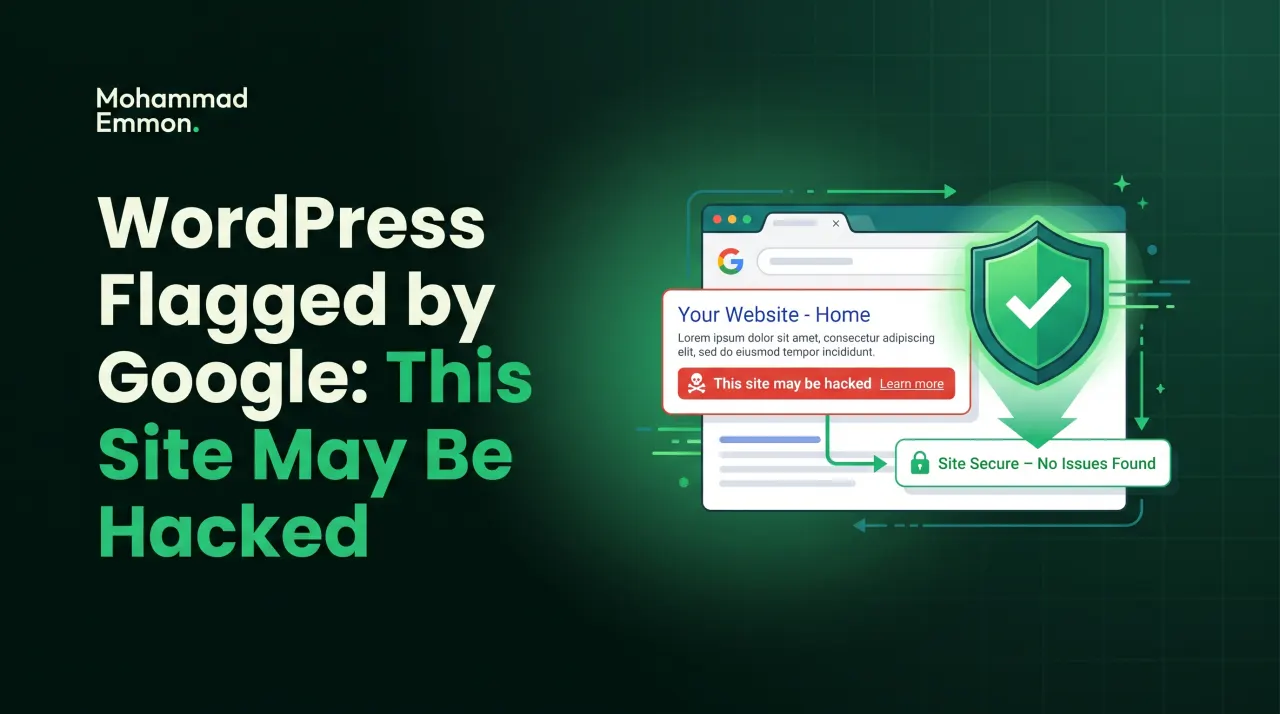
Seeing 'this site may be hacked' under your listing means Google found signs of a compromise. That warning means Google found signs of a compromise — usually spam pages or a malicious redirect. To clear it: confirm the infection in Google Search Console’s Security Issues report, fully clean the malware and remove any spam pages, close the entry point, then request a review through Search Console. Once Google re-crawls and sees a clean site, the warning is removed — typically within a few days.
Key takeaways
- The warning is Google reporting a real compromise — it won’t clear on its own.
- Google Search Console → Security Issues shows exactly what Google found and sample URLs.
- You must clean the site AND request a review; cleaning alone doesn’t remove the label.
- Fix the root cause first — if it reinfects, the warning comes straight back and reviews get slower.
On this page
- What the warning means
- Step 1 — see what Google sees
- Step 2 — clean it completely
- Step 3 — close the door, then request review
- Why the order matters
- What this means for you
- The three faces of this warning
- This warning versus a manual spam action
- When Search Console shows nothing but customers still see it
- Why Google flags a site in the first place
- The real checklist before you request review
- What happens when a review fails
- Handling a rejected review the right way
- What this warning costs a business while it's live
- Stopping it from coming back
- Clearing the 'this site may be hacked' warning
What the warning means
When Google appends “This site may be hacked” under your listing — or shows a full red interstitial — it has detected signs of a compromise while crawling: injected spam pages, a malicious redirect, or malware. It’s not a false alarm you can ignore; it’s Google protecting its users from your site, and it will keep showing until the site is verifiably clean.
Step 1 — see what Google sees
Open Google Search Console for the site and go to Security Issues. It tells you the type of problem and usually gives sample URLs. That’s your map — it shows where the spam pages or injected content are.
Step 2 — clean it completely
Remove the malware and delete any spam pages the hack created. Replace compromised core, plugin and theme files with clean copies, clean the database, reset passwords and salts, and hunt for backdoors. This is a full clean-up — a partial one just means the review fails.
Step 3 — close the door, then request review
Find and fix how the site was compromised so it can’t reinfect. Then, back in Search Console’s Security Issues panel, request a review. Google re-crawls, confirms the site is clean, and removes the warning — usually within a few days.
Why the order matters
If you request a review before the site is genuinely clean, it fails. And if you clean the symptoms but leave the entry point open, the site reinfects and the warning returns — except now your review history is worse and each subsequent review takes longer. Root cause first, review last.
What this means for you
A hacked-site flag is urgent — it’s actively costing you traffic and trust. If you want it handled fast and done right the first time, this is exactly the kind of clean-up-and-clear I do; getting the warning removed cleanly is as much about closing the door as scrubbing the pages.
The three faces of this warning
"This site may be hacked" doesn't always look the same. In search results, it's a small grey line under your listing. Most people never notice it unless they're scanning closely. It still costs you clicks. But it's the mildest version of the warning, and the easiest one to miss.
The full red interstitial is different. A visitor clicks your link and gets a warning page instead of your site. They have to click through a hidden link just to proceed. Most people won't bother doing that. This is Chrome's Safe Browsing system at work. It's far more aggressive than the small search-result label.
Then there's the in-browser warning that shows even when someone types your URL directly. That's Safe Browsing again, but triggered independently of a Google search. It can appear in Chrome, Firefox, and Safari alike. All three browsers pull from Google's Safe Browsing list under the hood.
This third version hurts the most. It hits direct visitors and returning customers, not just people finding you through search. Someone who's bought from you before, typing your domain from memory, still hits the warning. That's a trust problem stacked on top of a traffic problem.
Knowing which version you're dealing with matters for triage. The search-snippet label usually clears within days of a genuine fix. The red interstitial and the direct-visit warning can linger longer, because Safe Browsing runs its own recrawl schedule separate from Google Search. Don't assume one clearing means the other has too.
This warning versus a manual spam action
These two things get confused constantly, and they're not the same. "This site may be hacked" flags a security compromise. A manual action flags a policy violation, like spammy links or thin content built to game rankings.
They live in different tabs inside Search Console. Security Issues covers hacks and malware. Manual Actions covers human review penalties for violating Google's guidelines. A site can have one, the other, both, or neither.
The fix is different too. A manual action needs a written reconsideration request explaining what changed. A security issue needs a technical clean-up first, then a much simpler review request. Mixing up which one you're dealing with wastes real time.
When Search Console shows nothing but customers still see it
This happens more often than you'd expect. A client calls and says a customer saw "this site may be hacked" in Chrome. You open Search Console's Security Issues panel. It's empty. No sample URLs, no explanation, nothing flagged at all.
Two separate systems are at play here. Search Console reports what Googlebot found while crawling your pages. Safe Browsing scans URLs more broadly than that. It doesn't wait for Googlebot to revisit a page first.
A site can trip Safe Browsing before Search Console catches up. It can also happen after a partial fix, when Google hasn't reindexed the clean version yet. The two systems run on different timelines. They don't always agree with each other.
Check Google's public Safe Browsing site status tool directly. It's separate from Search Console and often surfaces problems faster. Also rule out an ISP-level filter or a security browser extension flagging you on its own. Not every "hacked" warning traces back to Google at all.
When a customer reports the warning, get specifics before you start digging. Ask for a screenshot, the exact URL they landed on, and which browser they were using. "This site may be hacked" showing on a product page tells you something different than it showing on your homepage. Vague reports send you chasing the wrong section of the site.
Why Google flags a site in the first place
Googlebot crawls your site much like a browser would. When it hits injected spam content, a cloaked redirect, or a malicious script, it logs the issue. That log is what populates the Security Issues report.
Safe Browsing works on a different mechanism entirely. It actively scans URLs for malware payloads, phishing kits, and drive-by download scripts. It doesn't need Googlebot to crawl your homepage first. One deep URL, never linked internally, can trigger it alone.
This is exactly why a clean-looking site can still trigger "this site may be hacked." The infected page often isn't one you'd stumble onto normally. Attackers bury spam pages in folders with no navigation link. They do this on purpose. It keeps you from finding it by clicking around your own site.
The real checklist before you request review
Requesting a review before you're actually clean is the single most common mistake. Here's what a genuine clean-up needs to cover before that button gets touched.
Compare every core file against a fresh download of the matching WordPress version. Any file that doesn't match byte-for-byte needs a closer look. Do the same for every plugin and theme. Pull fresh copies from the official source and diff them line by line.
Scan the database for injected content next. Check post content, options tables, widget data, and theme mods. Attackers hide payloads in unlikely spots, not only in posts and pages.
Check scheduled tasks too. WordPress cron jobs can be hijacked to re-inject malware on a timer. That's exactly why a site can look clean for a day, then relapse without warning. List every cron entry. Question anything unfamiliar.
Review every admin account on the site next. Hacked sites often gain a new admin user with a generic, forgettable name. Delete anything you didn't personally create. Then check file permissions and confirm nothing is left world-writable.
Check wp-config.php and .htaccess as well. Attackers add lines to both to serve cloaked redirects only to Googlebot. A normal visitor sees nothing wrong. Googlebot gets sent somewhere else entirely, which is often the exact trigger behind "this site may be hacked" in the first place.
Only once every item on that list checks out clean should you request review. A site with even one lingering symptom will fail the very next crawl.
What happens when a review fails
Google re-crawls the site after you submit a review request. If it still finds the original issue, or a new one, the review fails. You'll usually see a note in Search Console. It's often short and light on detail.
A failed review isn't the end of the road. But it does slow everything down. Each review cycle takes real time to complete. Repeated failures also make Google more cautious about clearing you on the next attempt.
The most common reason a review fails isn't sloppy work on the obvious stuff. It's a missed second infection. Attackers often plant more than one backdoor on purpose. You close the front door and request review. Google recrawls. A second backdoor is still quietly serving spam pages nobody found.
Handling a rejected review the right way
Don't resubmit immediately after a rejection. That's the natural instinct. But it wastes a review cycle if the root problem is still sitting there untouched. Go back and re-audit before touching that button again.
Start by checking the exact URLs Google originally flagged. Load them directly in a browser. Check the page source for injected script tags or hidden text blocks. If they're still dirty, you know exactly where to focus first.
If those specific URLs are genuinely clean now, look for new ones. A reinfection after a partial clean-up often shows up somewhere different. Check file modification timestamps across the entire site. Anything changed after your clean-up date deserves a hard look. That's usually where a leftover backdoor hides.
Once you're confident it's genuinely resolved, request review again. Add a short, factual note describing what you fixed. Google doesn't need an essay. It needs the issue gone, verifiably, on the next recrawl.
What this warning costs a business while it's live
Search traffic drops fast once "this site may be hacked" appears under your listing. People skip flagged results almost automatically. Even visitors who already know your brand hesitate when they see a warning attached to your own URL.
Referral traffic takes a hit too. Partner sites and directories that link to you may see the same warning. Some quietly remove the link without telling you. You often don't notice until referral numbers have gone quiet for a while.
Paid campaigns are a faster, harder problem. Google Ads and other ad platforms suspend campaigns pointing to a flagged domain. That's immediate lost spend and immediate lost leads. It's on top of the organic traffic hit. Email deliverability can also suffer if the same domain reputation issue spreads to your sending domain.
None of this waits politely for you to find time. That's the real argument for treating "this site may be hacked" as urgent. It's not something to fit in next week between other priorities.
Stopping it from coming back
A clean bill of health today doesn't mean much without ongoing monitoring after it. The same entry point that let an attacker in once is often still attractive to the next one. That's true unless it's been closed properly and watched since.
Real monitoring means file integrity checks that flag unexpected changes as they happen. Not a weekly scan that catches things days late. It means keeping core, plugins, and themes updated on a real schedule, not whenever there's spare time. It also means a firewall that blocks known attack patterns before they land.
I've cleaned more than 10,000 WordPress sites over the years, and one pattern repeats constantly. Sites that get reinfected are almost always sites that got cleaned once, then left unmonitored afterward. Sites that stay clean are the ones with something actively watching them day to day.
Across 573+ businesses secured through ongoing plans, the clients with the fewest repeat scares are the ones who treat monitoring as standing infrastructure, not an occasional task. That's also part of why the return rate on those plans sits around 96%.
If "this site may be hacked" has shown up on your listing, the fastest path back is a genuine, full clean-up. Real ongoing protection needs to follow it. Not just a one-time fix and hoping the door stays shut on its own.
Clearing the 'this site may be hacked' warning
The 'this site may be hacked' label only lifts once the site is genuinely clean and Google has re-reviewed it. If you would rather hand it to a specialist, see my WordPress malware removal & security service. For an authoritative reference, read the Google Search Central guide to hacked sites.
Free security check
Worried your site is infected?
Get a free security check — I'll tell you if your WordPress site is compromised and exactly what it needs. No obligation.
Follow-up questions
People also ask
After you clean the site and request a review in Search Console, Google usually clears it within a few days once it re-crawls and confirms the site is clean.
No — Google re-checks the site. If the malware or spam pages are still there, the review fails and repeated failures make future reviews slower.
Yes. Google Ads suspends campaigns pointing to a domain flagged with a security issue. Your ads stop running until the flag clears. That means lost spend and lost leads on top of the organic traffic drop.
It applies to the whole domain, even if only one page is actually compromised. Visitors see it site-wide in Chrome. Search Console also lists it as a domain-level issue until every affected URL is cleaned.
You can, if you're comfortable comparing core files, scanning the database, and hunting down backdoors under time pressure. Most site owners can't do this reliably in one pass. A rejected review usually costs more time than getting it right the first time.
That means the entry point is still open, or there's a second backdoor you haven't found yet. Reinfection almost always traces back to an incomplete clean-up, not bad luck. A full re-audit beats repeating the same fix and hoping for a different result.
Related
Take it further.

Written by
Mohammad Emmon
WordPress Malware Removal, Security, Ongoing Security Monitoring And Website Development
I'm a WordPress malware removal and security specialist — I've cleaned and secured over 10,000 sites. Once a site is safe, I can also build, run and automate the whole thing. Based in Dhaka, working worldwide.